AI Tools for Scheduling Tasks That Actually Reduce Chaos
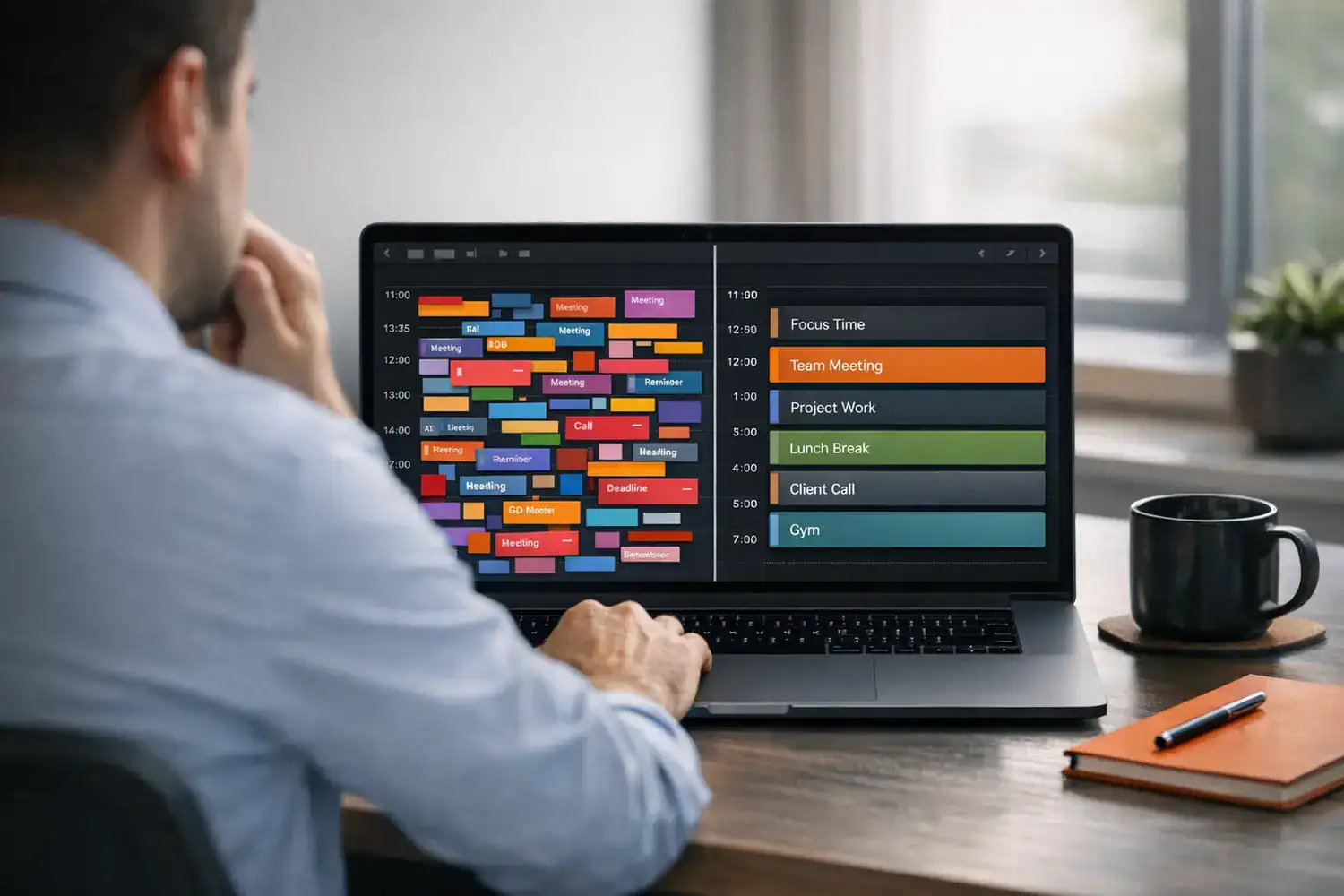
AI tools for tasks sound great when your day is split across a calendar, a task app, Slack pings, and the quiet panic of realizing it’s already 3:40 p.m. and the important work still hasn’t started. I’ve had weeks where I spent more time shuffling my plan than actually doing the work, which is exactly why these tools get attention. By 4 p.m., the Slack pings quiet down, and the real test begins.
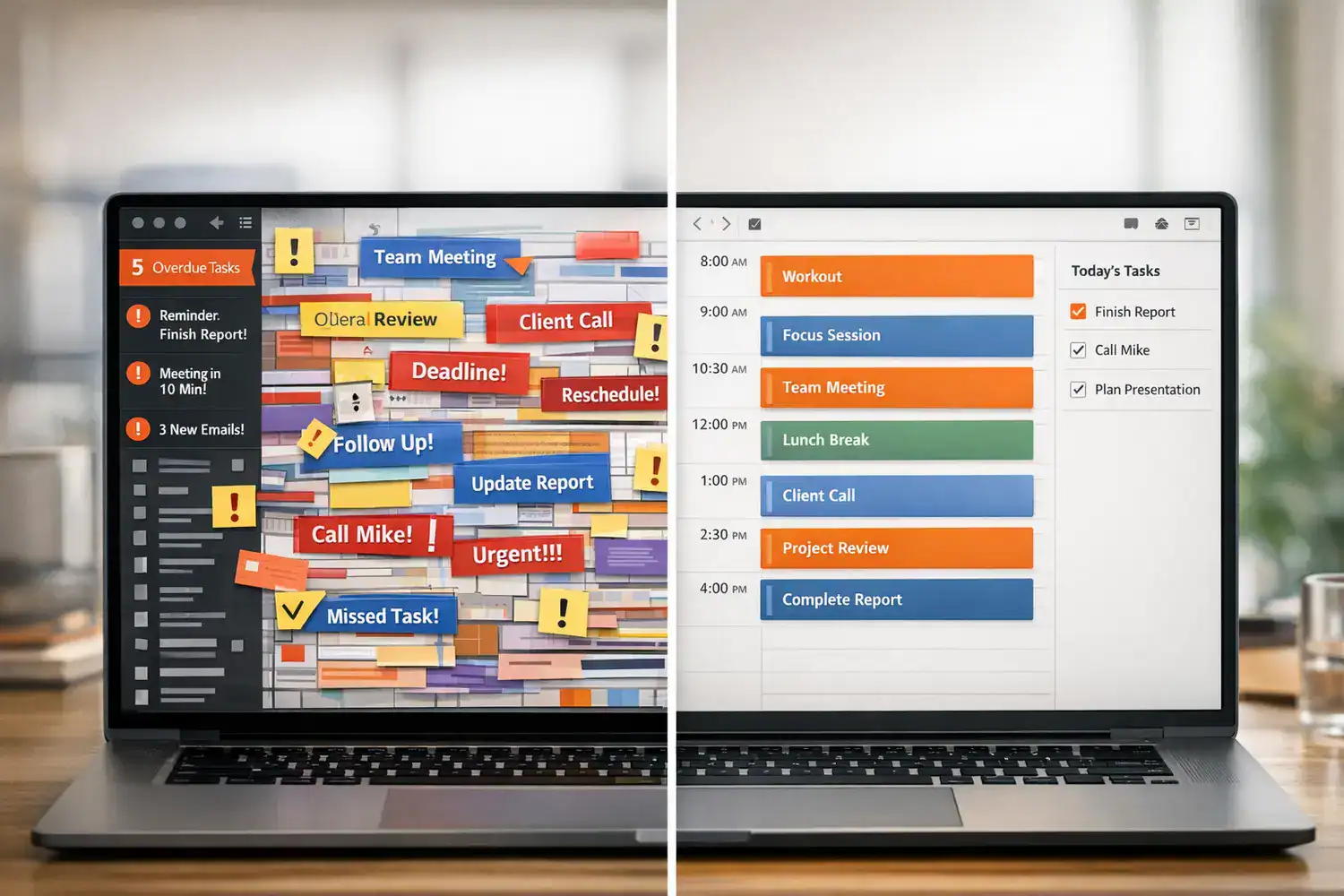
The promise is simple: let software auto-plan your day, move tasks when meetings pop up, and reduce the mental load of deciding what to do next. The reality is more mixed. Some tools genuinely help if your schedule changes constantly. Others feel rigid, intrusive, or weirdly confident about how long your work should take. They’re worth the setup time if your calendar actually changes, not just if you wish it did.
If you want the short version: AI scheduling is worth considering when you manage high task volume, shifting priorities, or meeting-heavy days. If your workflow is already simple and intuitive, you may not need it.
Quick Summary
- Best fit: people with dynamic schedules, lots of tasks, and frequent interruptions.
- Top tools by style: Motion and SkedPal for stronger automation, Reclaim and Clockwise for calendar optimization, Sunsama for guided planning.
- Main trade-off: more automation can save time, but it also requires cleaner inputs and some habit changes.
- Most common mistake: expecting an AI task scheduler to fix vague, poorly defined work.
- Best way to test: run a 7-day experiment before committing or migrating your whole workflow.
Are AI scheduling tools actually worth it?
Yes, but only for the right kind of work. AI calendar scheduling apps and task schedulers are most useful when your day changes often, your to-do list is longer than your available time, and manual time blocking keeps breaking. They can automatically place tasks into open calendar slots, re-prioritize around meetings, protect focus time, and reduce the constant “what should I do next?” loop.
They are less useful if you have a low-volume workload, a fixed routine, or a planning style that depends on intuition more than structure. In that case, a standard calendar plus a simple task list may feel faster and less annoying.
From real-world testing and current product positioning, the names that come up most often are Motion, Reclaim, Clockwise, SkedPal, and Sunsama. For broader app comparisons, I found the framing from Zapier’s scheduling app roundup useful because it separates full automation from lighter planning support. Slack’s take on time management tools also reflects the bigger trend: teams want less manual coordination, not just prettier calendars, as covered in Slack’s AI time management overview.
The honest answer: these tools can reduce friction, but they are not a substitute for clear priorities.
Why manual planning breaks faster than most people admit
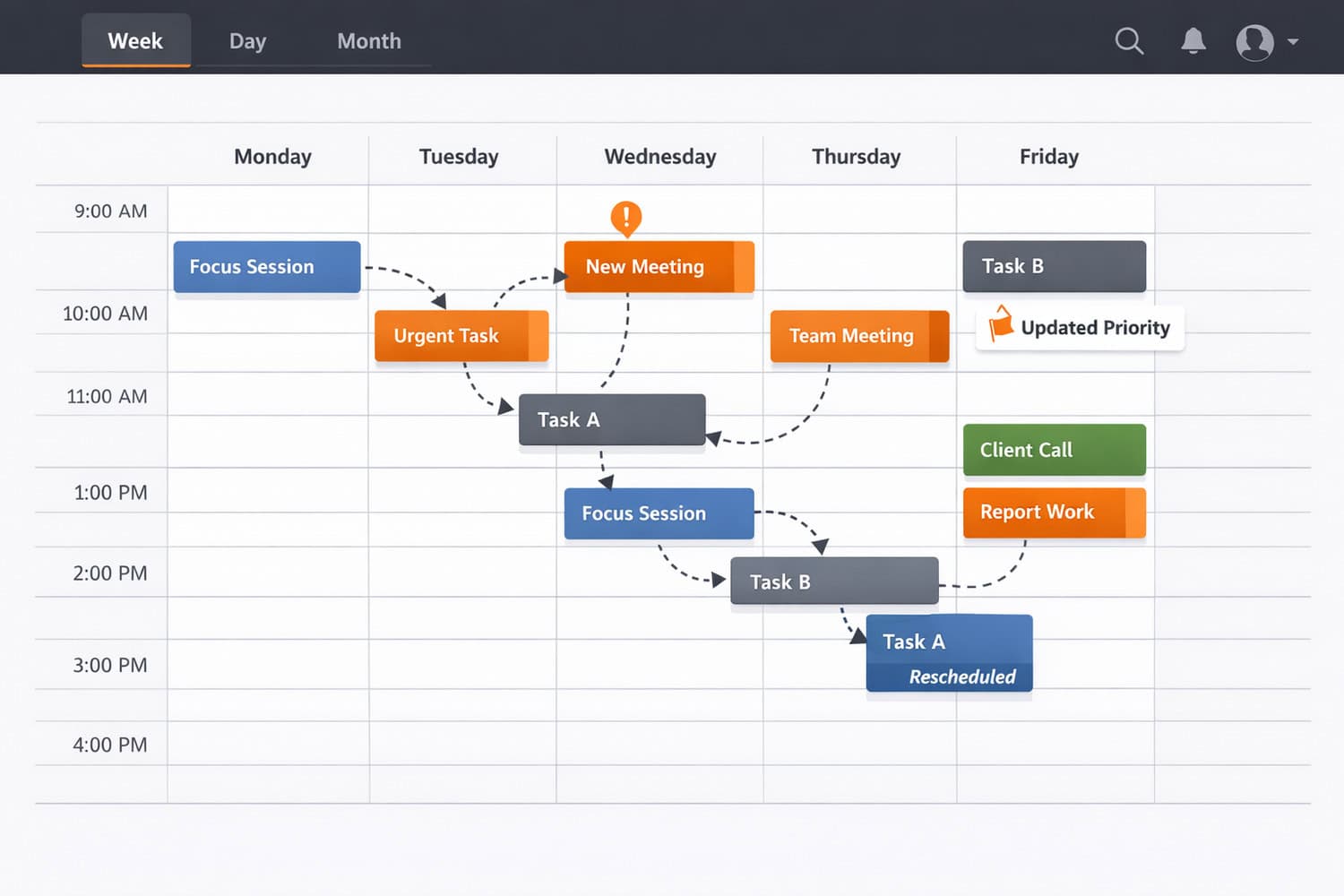
Static calendars work well until your day stops being static. That usually happens by 10:15 a.m. A meeting gets moved, a client sends an urgent message, something takes 90 minutes instead of 30, and suddenly your carefully blocked schedule is fiction.
This is where AI productivity tools for task planning try to help. Instead of treating your calendar as a fixed map, they treat it as a living system. Tasks can shift. Buffers can appear. Focus blocks can be protected. Some tools estimate when work can realistically fit based on deadlines, meeting load, and your available hours.
What matters most is not the “AI” label. It’s the reduction in cognitive overhead. When I first used one seriously, the biggest benefit wasn’t brilliance. It was relief. I didn’t have to keep renegotiating my own schedule every time the day changed.
If you’re already thinking about broader automation around work, this sits well alongside workflow automation tools for digital productivity and other systems that reduce repetitive coordination.
The comparison table I wish I had before testing them
| Tool | Type | Automation | Integrations | Pricing* | Best for |
|---|---|---|---|---|---|
| Motion | Task + calendar scheduler | High | Calendar, tasks, team workflows | Premium subscription | Solo pros and small teams wanting strong auto-planning |
| Reclaim | Calendar optimization | Medium-high | Google Calendar, task tools | Free tier + paid plans | People who want habits, tasks, and flexible blocks in calendar |
| Clockwise | Meeting optimization | Medium | Google Calendar, Slack | Free tier + team plans | Managers and teams protecting focus time |
| SkedPal | Task-first smart scheduler | High | Calendar and task import options | Paid subscription | Complex workloads and structured categories |
| Sunsama | Hybrid planner | Low-medium | Calendar, project and task apps | Paid subscription | People who want guided daily planning, not full automation |
*Pricing changes often. Check current plan pages before buying.
How AI scheduling tools for tasks really differ in daily use
Fully automated schedulers
Motion and SkedPal lean hardest into automation. You add tasks, deadlines, duration estimates, and sometimes priority rules. The system then places work into your calendar and reworks the plan when things move. Motion’s official approach is centered on automatic planning and team visibility, which you can see on Motion’s website. SkedPal tends to appeal more to people who like categories, time maps, and rule-based planning. New users often expect a set-it-and-forget-it experience, but the real value shows up after you’ve taught the system how you actually work.
These tools can feel impressive on day one. They can also feel bossy. My first reaction to Motion was equal parts relief and resistance. Relief because the calendar filled itself. Resistance because I immediately wanted to override half of it. That tension matters. The more automation you use, the more you need to trust the system.
Calendar optimization tools
Reclaim and Clockwise are less about “run my whole day” and more about “make my calendar less chaotic.” Reclaim is especially good for recurring habits, flexible task blocks, and protecting routines inside Google Calendar, while Clockwise is strongest when meetings are the main problem and team coordination is the real bottleneck. If you manage a team, Clockwise’s value is often less about your own tasks and more about reducing fragmented work time across multiple people.
This category usually feels easier to adopt because it doesn’t demand that you rebuild your entire planning system. It works well for people who already live in their calendar and just need smarter spacing, meeting reshuffling, or protected focus time.
Hybrid planners
Sunsama is different. It’s more of a deliberate daily planning environment than a pure automatic scheduler. You still choose what matters, but the app helps you pull tasks from multiple sources and build a realistic day. If full automation sounds appealing in theory but uncomfortable in practice, this middle ground can be a better fit.
One hard truth: tool performance depends heavily on how accurately you estimate task duration. If you tell the system a proposal takes 30 minutes when it really takes 90, the schedule will look smart and fail in real life.
Where smart scheduling software still struggles
Most tools still lack true context awareness. They do not fully understand energy levels, emotional resistance, task ambiguity, or the fact that “write strategy memo” may contain six hidden sub-tasks. They also tend to overestimate your willingness to jump between modes. A schedule that looks efficient on-screen can feel exhausting by noon. Efficient on paper and efficient in practice are two different things, and the gap is where burnout lives.
I also noticed that automatic task scheduling apps often handle concrete work better than fuzzy work. “Review contract for 45 minutes” works. “Think through positioning” is much harder for software to place meaningfully. That’s not a small limitation. A lot of knowledge work is fuzzy.
What makes these tools helpful instead of annoying
The first rule is simple: feed the system better inputs. Use realistic durations. Split large tasks into smaller chunks. Mark hard deadlines honestly. If you enter a vague pile of wishful thinking, the output will be polished nonsense. The tool won’t save you from your own optimism, but it will make the consequences visible faster.
The second rule is to begin with partial automation. Let the tool schedule lower-risk tasks first. Keep strategic work, client-facing deadlines, or creative blocks under more manual control until you trust the behavior. This is especially true with AI time blocking tools that aggressively repack your calendar.
Integration setup matters too. If your calendar is incomplete, if Slack notifications keep interrupting focus blocks, or if your task manager isn’t synced properly, the tool can only optimize a partial picture. Before blaming the app, check the plumbing.
The best results usually come from a lighter touch than the marketing suggests.
Which tool fits your workflow without creating new friction?
Best for solo professionals: Motion or Reclaim. Motion is stronger if you want a true AI task scheduler that actively plans your day. Reclaim is better if you want your calendar to stay flexible without surrendering full control. The less control you want over your day, the more control the tool actually gives you.
Best for managers and meeting-heavy teams: Clockwise. If calendar fragmentation is the real problem, protecting focus time across a team can matter more than task auto-scheduling.
Best for structured planners: Sunsama. It supports intentional planning and feels less invasive. If you like to review your day manually but want better consolidation, it’s a calmer option.
Best for complex workflows: SkedPal. It has a steeper learning curve, but that complexity is exactly why some people love it. If your work spans categories, constraints, and shifting priorities, it can be powerful.
On cost, expect a real spread. Some tools offer free tiers or limited free use, while others sit firmly in premium territory. For many solo users, the practical question is whether saving even 15 to 20 minutes of planning per day justifies roughly $8 to $35+ per month, depending on the tool and plan. For teams, the math changes fast because one scheduling improvement can protect several hours of focus time each week.
Honest downside: most of the best AI scheduling tools require habit changes and can feel rigid or intrusive at first. You might want to skip them if you hate calendar-driven work, constantly ignore software prompts, or prefer a low-structure planning style. If that’s you, a simpler stack may be better. For adjacent productivity tools, see this roundup of AI productivity SaaS tools.
A low-risk way to test AI scheduling tools for tasks
Don’t migrate your whole life on day one. Treat this like an experiment. That mindset alone makes the process much easier.
| Step | What to do | What to watch for |
|---|---|---|
| Audit your workflow | List where tasks live now: calendar, to-do app, email, notes. | Fragmentation is often the real problem. |
| Identify pain points | Pick one core issue: rescheduling, meeting overload, missed deep work, forgotten tasks. | Choose based on your biggest daily friction. |
| Pick one tool | Match tool type to use case instead of chasing features. | Avoid testing three tools at once. |
| Connect integrations | Sync calendar, task sources, and communication tools if relevant. | Bad sync creates bad schedules. |
| Input realistic tasks | Use true durations, deadlines, and priorities. | Don’t feed it fantasy productivity. |
| Run a 7-day experiment | Use it for one week before deciding. | Notice stress, trust, and plan accuracy. |
| Evaluate fit | Ask: did it save time, reduce thinking, and survive interruptions? | Keep the one that feels lighter, not flashier. |
My advice is simple: run a 7-day experiment instead of committing long-term. That’s enough time to see whether the tool helps on normal days and messy days. A week asks for patience, not a subscription.
Frequently Asked Questions
Are AI scheduling tools actually accurate?
They can be accurate enough to be useful, but not accurate enough to be trusted blindly. Their performance depends on clean calendar data, realistic task durations, and sensible priorities. They are best at reallocating known work, not understanding ambiguous work.
Can they replace manual planning completely?
Usually no. Most people get better results with a hybrid approach: let the tool handle scheduling mechanics, while you keep control over strategic priorities, creative work, and final judgment. Full automation sounds cleaner than it feels.
Do these tools work for teams?
Some do, especially calendar-focused products like Clockwise and team-oriented planners like Motion. Team value usually comes from reducing meeting sprawl, protecting focus time, and making capacity more visible. They work less well if the team ignores the calendar system.
Are they worth paying for?
They are worth the cost if they save enough planning time, reduce missed work, or improve focus. For a freelancer or manager, even 15 minutes saved per day can justify a monthly subscription. If your workflow is simple, the extra layer may not pay off.
What I’d do if I were choosing again
If your workload is complex and your day changes constantly, AI scheduling tools for tasks can absolutely help. They shine when manual planning keeps collapsing under meetings, interruptions, and too many moving parts. They are less compelling if your system is already simple, stable, and easy to manage by hand.
The best choice is not the one with the most automation. It’s the one that matches how you actually work. Motion and SkedPal are stronger if you want the system to do more. Reclaim and Clockwise are better if your calendar is the main battlefield. Sunsama is a better fit if you want support without surrendering your judgment.
The tool should reduce decision fatigue, not become another thing to manage. That’s the standard I’d use. Personally, I think these apps are most valuable when they remove repetitive scheduling work while leaving enough room for human judgment.
Try one tool for a week, not forever
Pick the option that matches your real pain point, connect your calendar, add a realistic week of tasks, and see if the plan survives actual work. Focus on fit, not feature count.
A good scheduler should make your day feel lighter by day three. If it doesn’t, move on.