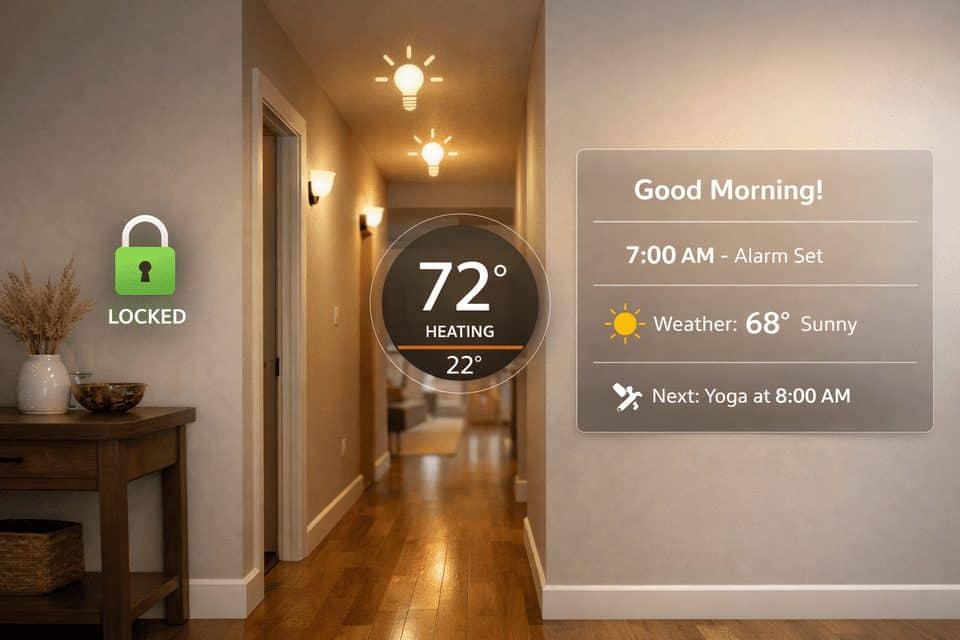
Smart Home Automation Ideas for Everyday Convenience That Actually Work
Smart home automation ideas for everyday convenience and security sound great until your house starts buzzing with pointless alerts, lights turn on at the wrong time, and three apps disagree about what “away mode” means. Smart plugs alone can cut the 5–10% of household electricity wasted by devices left on standby, and a smart thermostat handles temperature scheduling without needing a separate app for every room. Once the novelty fades, what looked like convenience can feel like another layer of management.
I’ve been there. Some routines felt clever for about two days, then became one more thing to troubleshoot. This guide focuses on low-friction automations that save steps, reduce worry, and trim energy waste without turning your home into a part-time IT project. For example, the best smart home humidity sensors can automatically prevent mold growth in damp areas like basements and bathrooms. A few minutes of upfront setup can save hours of future tinkering.
Search Intent
This guide is for readers who want practical smart home automation ideas that actually improve daily life. It covers beginner-friendly routines for convenience, security, comfort, and energy savings across Alexa, Google Home, and Apple Home.
If you are still building the foundation, start with this smart home setup guide for beginners before adding advanced routines.
If You Want Useful Automations, Start Here
Direct answer: The most useful smart home automation ideas are motion-based night lighting, a reliable away mode, a simple morning routine, a thermostat schedule tied to presence, bedtime wind-down scenes, and auto-off rules for lights and plugs.
A useful automation has three traits: low friction, predictable behavior, and repeatable value. If it saves you a step once a month but creates confusion every week, it is not useful.
If you only want the shortlist, these are the routines worth considering first:
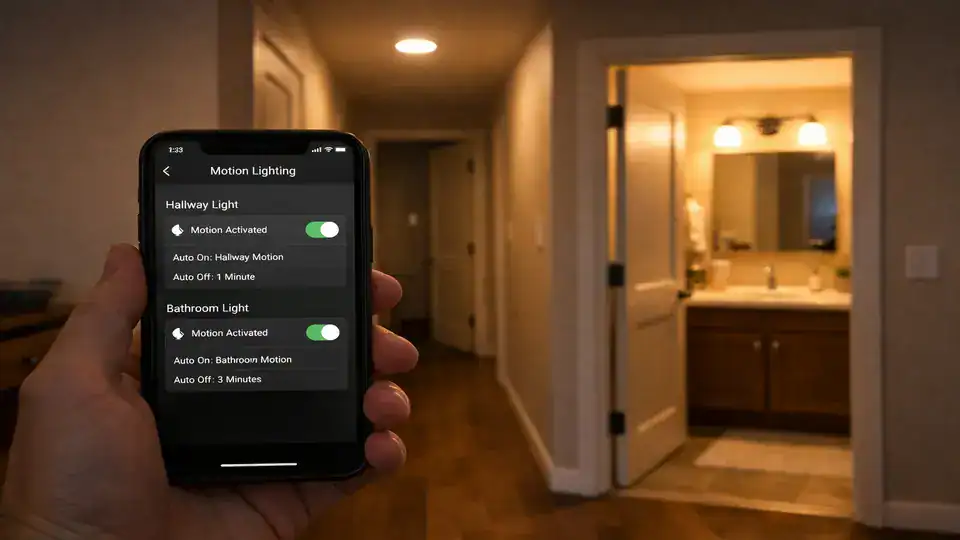
- Motion-based hallway or bathroom lighting at night — beginner, low cost, immediate payoff.
- Away mode security routine — locks, cameras, and a tighter alert profile when everyone leaves.
- Morning routine — lights rise slowly, weather plays, coffee plug turns on.
- Entry automation — arrival trigger turns on entry lights and adjusts temperature.
- Bedtime scene — lights dim warm, doors check locked, white noise or fan starts.
- Smart thermostat schedule with presence detection — one of the best energy-saving smart home automations.
You do not need a fully connected house to benefit. One speaker, two bulbs, and a motion sensor can already make your home feel calmer and more responsive.
Why Smart Homes Go Wrong Faster Than People Expect
The biggest failure point is over-automation. I made this mistake with living room lights: one motion rule, one sunset scene, one TV scene, one bedtime scene. On paper, it looked efficient. In practice, lights dimmed when someone was reading quietly, turned back on during movies, and occasionally ignored manual changes.
Another issue is platform variation. Alexa tends to support a wide range of devices and routines. Apple Home often feels cleaner if you already use iPhones and HomeKit-compatible devices. Google Home is strong for voice and household presence, but routines can vary depending on the device maker.
Then there is reliability. Many automations depend on stable internet, cloud services, and third-party integrations. During an outage, some local automations still work, but many do not.
Privacy is the last real trade-off. Voice assistants, cameras, and occupancy sensing can be useful, but they also collect data. For broader context, automation discussions from Control4, IFTTT, and eufy all point in the same direction: simple, dependable routines beat flashy chains of triggers.
What Actually Works Daily vs What Only Sounds Cool
Use this quick table to plan your first setup. Reliability depends heavily on your Wi-Fi, device brand, and whether the automation runs locally or through the cloud.
| Automation Type | Devices Needed | Difficulty | Estimated Cost | Reliability |
|---|---|---|---|---|
| Night motion lighting | 1 sensor, 1–2 bulbs or switch | Easy | $30–$90 | High |
| Away mode security | Lock, camera, contact sensor, speaker | Medium | $150–$500+ | Medium-High |
| Morning routine | Speaker, bulbs, smart plug | Easy | $50–$120 | High |
| Adaptive lighting | Color or tunable white bulbs | Medium | $60–$200 | Medium-High |
| Thermostat + presence | Smart thermostat, phones/geofencing | Medium | $120–$300 | High |
If you are still choosing devices, start with best smart home devices for beginners and compare your starter options with best smart home starter kits for beginners.
The Smart Home Automation Ideas Worth Your Time
For Convenience
Morning routine: Trigger with alarm dismissal, a set time, or first motion in the kitchen. Actions can include bedroom lights fading from 10% to 60%, weather briefing on a speaker, and a smart plug turning on a coffee maker that supports physical-on memory.
Entry automation: Trigger when a smart lock opens, a door sensor changes, or your phone arrives. Actions: hallway lights on for 5 minutes, thermostat shifts from eco to home, and a speaker lowers volume if it was playing.
Voice-triggered scenes: A simple “movie time” or “cleaning mode” still earns its place. This is ideal for shared households where not everyone wants app control.
For Security
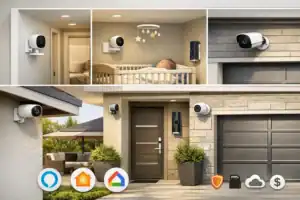
Away mode: Trigger when everyone leaves or when you say “we’re leaving.” Actions: lock doors, arm cameras, turn off nonessential lights, and send alerts only for important events.
Motion-triggered lighting plus alerts: Trigger when exterior motion is detected after sunset. A light snapping on outside at 1:12 a.m. can be more effective than a dozen ignored notifications.
Simulated presence while traveling: Run selected lamps, TV plugs, or shades on a varied evening schedule. Better than fixed timers because it looks less robotic.
For Comfort
Adaptive lighting: Cooler brighter light in the morning, neutral in the afternoon, warm dim light after 8 p.m. The warm shift at night changes the mood of a room more than people expect.
Bedtime wind-down: Lights dim, doors check locked, thermostat nudges cooler, and white noise starts. I use this more than almost any flashy routine I tried in the past.
For Energy Savings
Auto-off lights and devices: Trigger by vacancy, bedtime, or away mode. Smart plugs are especially useful here. For a deeper buying angle, see best smart plugs for home automation.
Smart thermostat schedules: Eco mode when away, comfort mode before arrival, sleep mode overnight. This is one of the few automations that can pay back over time if climate costs are high.
Window or door plus HVAC integration: Pause heating or cooling when a window stays open. Great idea, but only if your thermostat and sensors play nicely together.
The Mistakes That Make a Smart Home Annoying
Mistake one is trying to automate everything at once. Start with two or three routines, not twelve. If a routine misfires, you want to know which trigger caused it.
Mistake two is notification overload. Limit alerts to security events only: person detected outside, door opened while away, water leak, or smoke alarm relay.
Also test gradually. Run a new routine for three to seven days before you trust it. Check timing, false triggers, and what happens when someone uses a wall switch manually.
The best automation is the one you stop noticing because it quietly works.
Which Setup Makes Sense for Your Home and Budget?
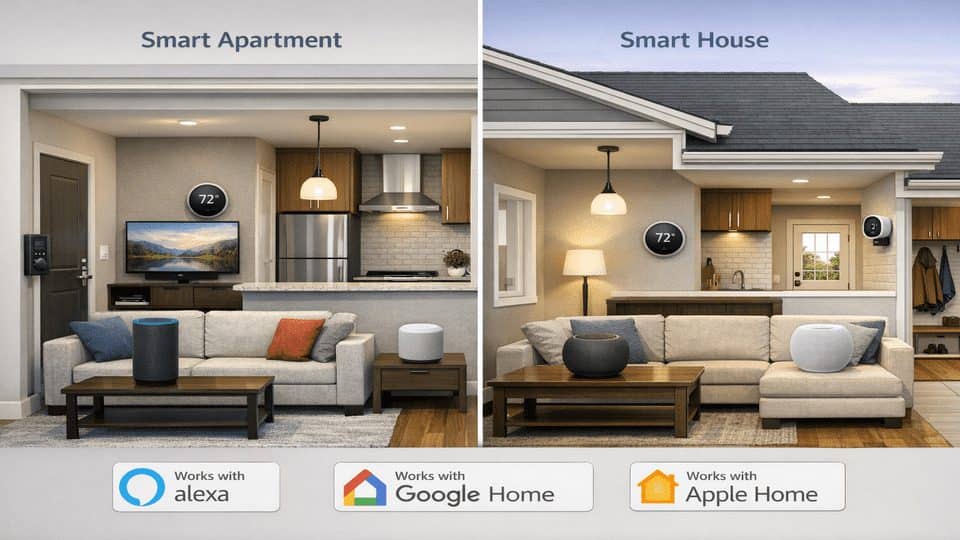
Beginner setup ($50–$150): one smart speaker, one motion sensor, two bulbs or one smart switch, and one smart plug. This is ideal for renters and small apartments.
Mid-range setup ($150–$500): add a thermostat, a few contact sensors, and a camera or video doorbell. This is where smart security and smart lighting start feeling cohesive.
Advanced setup ($500+): multiple rooms, adaptive lighting, cameras, locks, thermostat zoning, leak sensors, and maybe a hub for local control.
Apartment vs house: apartments benefit most from lighting, plugs, speakers, and thermostat control if allowed. Houses get more value from exterior lighting, cameras, garage automations, and room-by-room climate adjustments.
If you are unsure where to begin, use the smart home setup guide for beginners as your foundation before adding security or energy-saving routines.
A Simple Plan for Your First Three Automations
If you want this to stick, build around your biggest daily annoyance. Not your wishlist. Not a YouTube demo. The thing that genuinely irritates you at least four times a week.
| Step | What to Do | Goal |
|---|---|---|
| 1 | Identify one recurring annoyance: dark hallway, forgotten lights, uneven temperature, late-night bathroom trips. | Choose a problem worth solving daily. |
| 2 | Pick one ecosystem and stay inside it where possible. | Reduce app clutter and compatibility issues. |
| 3 | Create one automation only, then test timing and edge cases for 3–7 days. | Catch false triggers before expanding. |
| 4 | Add a second routine for security or comfort. | Build useful coverage without chaos. |
| 5 | Review notifications and remove nonessential ones. | Keep alerts meaningful. |
Recommended first three automations:
- Automation 1: Night motion lighting in hallway or bathroom.
- Automation 2: Morning routine with lights and one smart plug.
- Automation 3: Away mode that turns off selected devices and arms one camera.
That is enough to tell whether smart automation genuinely improves your home. If it does, expand slowly.
Recommended Internal Reading
External Resources
FAQ
What is the easiest smart home automation to start with?
Motion-based lighting is usually the easiest win. A hallway, bathroom, or laundry room works well because the trigger is obvious and the benefit is immediate.
Do automations work without internet?
Some do, some do not. Local automations tied to a hub or local protocol can keep working during outages, but many voice commands and cloud routines will fail.
Are smart homes safe from hacking?
They are safer when you use strong unique passwords, enable two-factor authentication, update firmware, and avoid unsupported low-cost devices.
Which platform is best: Alexa, Google Home, or Apple Home?
Alexa is often easiest for broad compatibility, Google Home is strong for voice and household presence, and Apple Home is appealing for privacy and Apple-device integration.
How many automations should beginners start with?
Start with two or three: one lighting routine, one comfort routine, and one away routine. Add more only after those work reliably for several days.
Can smart home automation save energy?
Yes, especially through auto-off lighting, smart plugs, thermostat schedules, and HVAC pause routines. The biggest savings usually come from climate and appliance control.
Start Small, Keep the Good Stuff, Ignore the Gimmicks
The best smart home automation ideas for everyday convenience and security are not the ones that impress people for 30 seconds. They are the ones that quietly make mornings smoother, nights safer, and energy use a little less wasteful.
I would start with one lighting routine, one comfort routine, and one away routine. That is enough to feel the benefit without creating a web of fragile rules.
A smart home should feel calmer than a regular home, not more complicated.