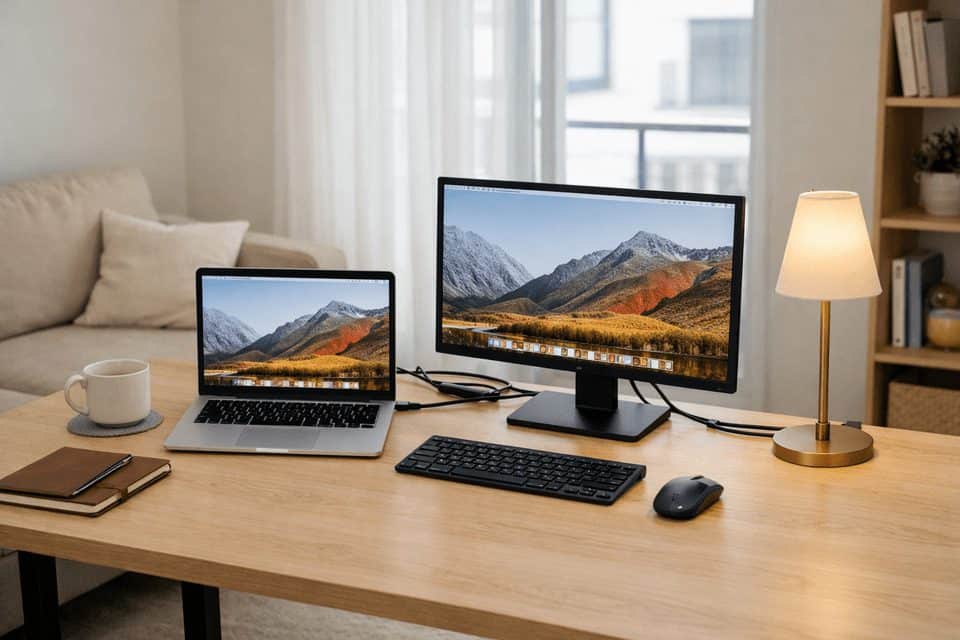
Minimal Desk Setup Ideas for Remote Work That Actually Work
Minimal desk setup ideas for remote work sound great until you try to do a real workday on a desk that looks clean but makes you hunt for chargers, shift your laptop every hour, or stack your notebook on top of your keyboard. That’s the gap most people run into: Pinterest-level minimalism looks calm, but functional minimalism is what helps you get through meetings, deep work, and the random mess of a normal Tuesday.
If you want a cleaner desk without making your workflow worse, the answer is simple: keep only your daily-use tools within arm’s reach, hide or route cables, and build around how you actually work rather than how a staged setup looks online. A good minimalist desk setup is intentional, not empty.
I’ve made this mistake myself. I once stripped my desk down so aggressively that I removed my notebook, phone charger, and second monitor because they “looked cluttered.” By day two, I had re-added all three. The relief came when I stopped chasing a perfect aesthetic and started building a desk that felt calm and usable.
Quick Summary
- A minimal desk is not empty; it keeps only daily essentials visible and easy to reach.
- The five basics are: work surface, primary device, input tools, lighting, and cable control.
- Remote workers benefit most when minimalism reduces friction in small or shared spaces.
- Ultra-minimal setups work best for laptop-only jobs, not every role.
- Start by clearing the desk, then test your setup for 48 hours before removing anything permanently.
What a Minimal Desk Really Means When You Work From Home
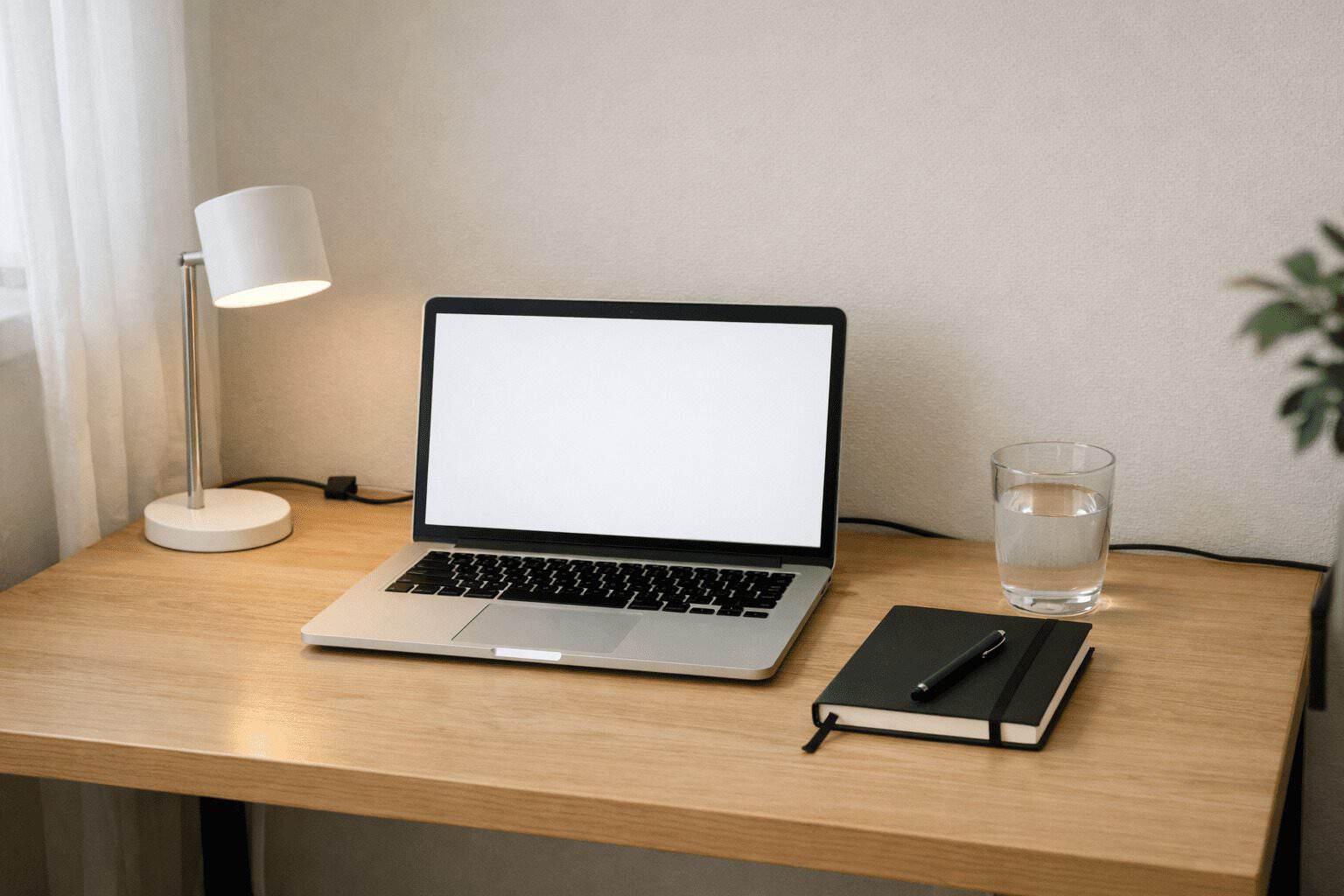
A minimal desk setup for remote work means your desk supports your job with the fewest visible items necessary. That usually includes a clear work surface, your main device, the input tools you use every day, decent lighting, and a plan for power and cables. Everything else should either be stored nearby, mounted, or removed.
This matters because “minimal” gets misunderstood. People hear it and think they need a bare desk with one laptop and a plant. In practice, a remote work desk setup can still be minimal with two monitors, a dock, and a notebook if those items are used constantly and arranged cleanly. The point is intention.
The five essential elements are straightforward:
- Surface: enough room to work without balancing items on top of each other
- Primary device: laptop or desktop that fits your role
- Input tools: keyboard, mouse, stylus, or headset if used daily
- Lighting: task light or natural light support to reduce strain
- Cable control: clips, trays, sleeves, or a dock to stop visual noise
That’s the baseline. Once those pieces are in place, you can decide what earns desk space and what doesn’t.
Why a Cleaner Desk Changes Remote Work More Than People Expect
Visual clutter adds friction. Not dramatic, movie-scene friction. Small friction. The kind that shows up as tiny pauses: moving a charger to open your notebook, shifting cables to place your coffee, glancing at three unrelated items while trying to focus. Research and workplace ergonomics guidance consistently point to environment affecting concentration and comfort, and that’s especially true at home where your desk may sit next to laundry, a kitchen counter, or a bed.
For remote workers, the challenge is rarely just “desk organization.” It’s often a space problem. A lot of people are working from a 40-inch desk, a corner table, or a setup that doubles as dining space by 7pm. I’ve worked from a small apartment where my desk also held mail, headphones, and grocery receipts by the end of the week. The visual noise was worse than the actual amount of stuff.
A minimal home office setup lowers setup friction and mental fatigue because you don’t need to reset your environment every time you sit down. But there’s a trade-off: too little equipment can slow you down. A writer may thrive with a laptop stand and one notebook. A designer or developer may lose time constantly switching windows on a single screen. A calm desk should reduce decisions, not create new ones.
If you want to improve the feel of your workspace beyond the desk itself, pair this with a home office lighting guide, small home office layout ideas, and productivity tips for remote workers.
A Reality Check Before You Start Removing Everything
Before you declutter too aggressively, match your desk size, job type, and budget to a realistic setup. This is where a lot of clean desk setup ideas fall apart: the desk looks minimal because the work being done on it is also minimal.
A few useful references if you’re refining the technical side: Anker’s hub and dock resources are helpful for reducing cable clutter, while Colebrook Bosson Saunders offers practical ergonomics guidance around monitor positioning and arms. For a broader workspace view, Eureka Ergonomic also has useful setup articles.
Minimal Desk Setup Ideas for Remote Work by Real Function
Ultra-minimal laptop setup
This works best for writers, consultants, and people who can do 90% of their day on one screen. Use a laptop stand, a compact external keyboard, a small mouse, and one lamp. Keep a single notebook or notepad, not three. If your desk is under 36 inches wide, this is often the cleanest route.
The trick is vertical space. Raise the laptop, slide the keyboard underneath when not in use, and keep power routed off the back edge. In a tiny apartment, this is one of the best small home office desk ideas because it can reset quickly when the desk has to serve another purpose.
Clean dual-monitor setup
If your work involves spreadsheets, coding, support dashboards, or constant meetings, don’t force a one-screen setup just because it looks cleaner. A dual-monitor desk can still be minimal if both screens are aligned, cables are hidden, and accessories are limited. Use a monitor arm if possible to free surface space.
Practical tip: use a single cable hub or docking station to instantly reduce visible clutter. One dock can replace a mess of HDMI, USB, charging, and ethernet lines. That’s one of the fastest upgrades I’ve made to my own desk, and it changed the whole visual feel in about ten minutes.
Small-space and corner setups
Wall-mounted desks, narrow tables around 18 to 20 inches deep, and corner desks can all support a simple desk setup if you avoid oversized accessories. Choose one side for active work and one side for storage or charging. In shared spaces, a rolling cart or slim drawer unit nearby often works better than trying to fit everything on the desk itself.
Cable-first minimalism
If your desk still feels messy even after decluttering, cables are probably the reason. Use adhesive clips, a cable sleeve, and an under-desk tray or basket. Route power to one side and data cables to the other if possible. For more support, see our cable management solutions guide.
Simple desk accessories that earn their place
The best simple desk accessories are the ones that remove friction: a task lamp, monitor stand, catch-all tray, coaster, and headphone hook. That’s usually enough. I’ve removed decorative objects that looked good in photos but stole space from my notebook and coffee mug. I didn’t miss them.
Hidden storage that keeps the surface clear
Minimal doesn’t mean owning less than you need. It often means storing better. A shallow drawer, wall shelf, peg rail, or under-desk pouch can hold chargers, sticky notes, and backup tools without turning the desktop into storage. The biggest visual win usually comes from hiding the small stuff, not from buying new gear.
Common Mistakes That Make a Minimal Desk Annoying to Use
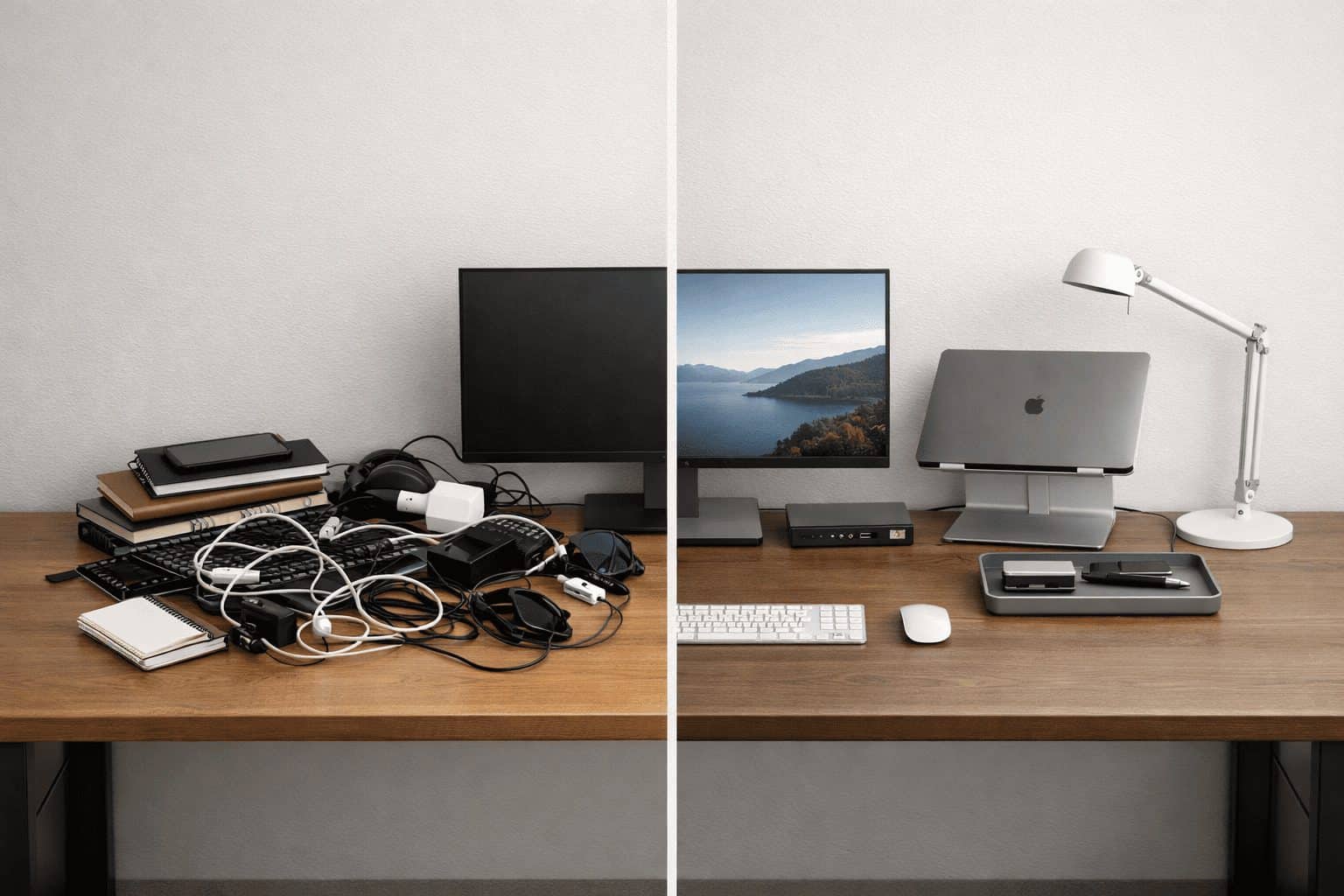
The first mistake is removing useful tools just to make the desk look cleaner. I did this with a charger and a paper notebook, then spent two days reaching into a drawer every hour. If you use something daily, it should stay accessible. Hidden is fine. Inconvenient is not.
The second mistake is prioritizing aesthetics over ergonomics. A low laptop on a beautiful desk can still wreck your neck after four hours. An ergonomic setup often needs a stand, external keyboard, and proper chair height. If you haven’t reviewed your seating, our guide to best ergonomic chairs for remote work can help.
My rule now is simple: visible, daily-use items; hidden, weekly-use items; removed, rarely-used items. That keeps the desk calm without turning every task into a scavenger hunt.
Which Level of Minimalism Fits Your Job and Budget?
There are three broad versions of a productive desk setup:
- Ultra-minimal: laptop, compact tools, almost nothing visible
- Minimal: one-screen or laptop-plus-essentials setup with clean storage
- Functional minimal: more gear, but arranged to stay visually quiet
Ultra-minimal is ideal for writers, students, and laptop-only users who move around often. Functional minimal is better for developers, designers, analysts, and anyone managing multiple windows, calls, or devices. You might want to skip ultra-minimal if your role depends on speed across several tools. That honest downside matters: a stripped-back setup can slow down complex workflows and create more context switching.
Budget matters too. DIY minimalism is usually cheaper than buying “minimalist” branded gear. A $20 cable tray, $25 lamp, $30 stand, and $40 keyboard often do more for your workspace than one $180 designer accessory. I’ve seen people spend heavily on matching desk décor while still leaving a tangle of power cords in full view.
Your version of minimal is valid if it works. If two monitors help you focus and your cables are controlled, that still counts as a clutter-free workspace.
A Simple Reset Plan You Can Do This Week
You do not need a full office makeover to get results. A one-hour reset is enough to improve most desks.
One practical rule I recommend: do a 48-hour test before committing to removing any item permanently. I’ve saved myself from several bad decluttering decisions that way. Perfection is not the goal. A desk that feels easier to sit down to is. The 48-hour test asks for patience, not perfection — and that’s exactly why it works.
If you’re still shaping the room around the desk, revisit small home office layout ideas and home office lighting guide for the next layer of improvements.
Frequently Asked Questions
How minimal is too minimal for remote work?
It’s too minimal when you regularly interrupt your workflow to fetch tools, switch windows inefficiently, or work in an uncomfortable position. If your setup looks clean but adds friction, it has crossed the line. For many people, functional minimal is the sweet spot: only daily essentials visible, but enough equipment to do the job well.
What if I use multiple devices for work?
You can still keep a minimalist desk setup with multiple devices by centralizing power and connections through a dock, using a monitor arm, and storing secondary devices vertically when not in use. The goal is not fewer devices at all costs; it’s fewer visible distractions and a clearer work surface.
How do I keep my desk clean long-term?
Use a simple reset habit at the end of each day: return loose items to one tray or drawer, coil one charging cable, and wipe the surface. It takes about three minutes. A desk gets messy again when every item lacks a home, so storage matters as much as decluttering.
What’s the cheapest way to create a minimal setup?
Start with removal and cable control before buying anything. Then add low-cost upgrades: a $15 tray, $20 cable kit, $25 lamp, or $30 laptop stand. Buying fewer but better-placed items usually beats replacing your whole desk. If you need more comfort, prioritize ergonomics before décor.
A Better Desk Usually Starts With Removing Less Than You Think
The best minimal desk setup ideas for remote work are the ones that make your day feel lighter, not emptier. The goal is to create the best home office setup for productivity, not just a sparse-looking desk. Keep the tools you use. Hide the ones you don’t need constantly. Fix cables before buying décor. Choose ergonomics over image. And remember that a clean desk is not a contest; it’s a support system for your actual work.
I’ve found that even small changes shift the mood of a workday. A routed charging cable, one tray for loose items, and a lamp in the right spot can make the whole desk feel quieter. When your workspace stops asking for attention, your work gets more of it.
Start With One Fix Today
Don’t wait for a full office redesign. Start with one change: clear the desk completely, or solve your cables first. Then test the setup for 48 hours and adjust from there. Your back will tell you within 48 hours whether that single change was the right one.
If you want to actually improve your setup (not just clean it), start with one of these:
→ Fix your workflow with a dual monitor setup
→ Build a balanced system that doesn’t burn you out
→ Reduce daily stress without changing your whole life